
5 Best Integration Solutions for Salesforce Teams Tired of Chaos
Most teams don’t call it chaos at first.
It feels more like things are slightly drifting apart. A deal moves forward, but the product team doesn’t see it. A ticket changes status, but sales is still working off an older update. Nothing critical, just small gaps.
At the beginning, it’s easy to live with. People adapt. Someone sends a quick message, someone double-checks, someone keeps notes on the side. Work keeps moving.
The problem shows up later, when those small gaps stop being rare.
One missed update turns into a pattern. Then another. Then, checking everything manually becomes part of the routine. And at some point, the system that was supposed to help starts slowing everything down.
That’s usually when it becomes clear that nothing is technically broken. It just doesn’t connect anymore.
What “Chaos” Actually Looks Like in Salesforce Teams
From the outside, everything still works. Deals move. Tasks get done. The system is active.
But inside, it feels different.
The same data exists in multiple places and doesn’t match. Updates show up late. People stop trusting what they see and start asking around instead.
Work shifts away from the system and into conversations.
Someone keeps their own notes. Someone else sends updates manually. Another person checks everything twice because they’ve seen it go wrong before.
It doesn’t look like failure. It just feels heavier than it should.
Why Chaos Builds Even in Well-Designed Systems
Very few systems start out messy.
Usually, everything is structured in the beginning. Tools are chosen carefully, and processes make sense.
Then new tools get added. Each one solves a real problem. Each one makes sense at the time.
The connections between them get pushed aside.
Meanwhile, the way the team works keeps changing. More people, new workflows, different expectations. The system stays mostly the same.
And that’s when manual fixes start to appear. At first temporary, then permanent.
No one is trying to create a mess. It just happens when things grow without being tied back together.
1. Peeklogic Salesforce Azure DevOps Connector

When the gap is between sales and development, it shows up quickly.
One side works with deals and customer context. The other works with tasks and delivery. The connection between them depends on people, not the system.
That usually leads to constant back and forth. Status updates get copied. Progress gets checked manually. Information moves more slowly than it should.
The Peeklogic Salesforce Azure DevOps Connector straightforwardly removes that gap. It keeps both sides in sync without relying on manual updates.
Everything stays aligned as changes happen.
Teams typically use it for:
- Two-way synchronization between Salesforce and Azure DevOps
- Syncing standard and custom fields, including comments and attachments
- Real-time updates across both systems
- Managing DevOps work items directly from Salesforce
- Automating workflows through Salesforce Flow
Instead of keeping systems aligned manually, the connection handles it in the background.
2. Workato
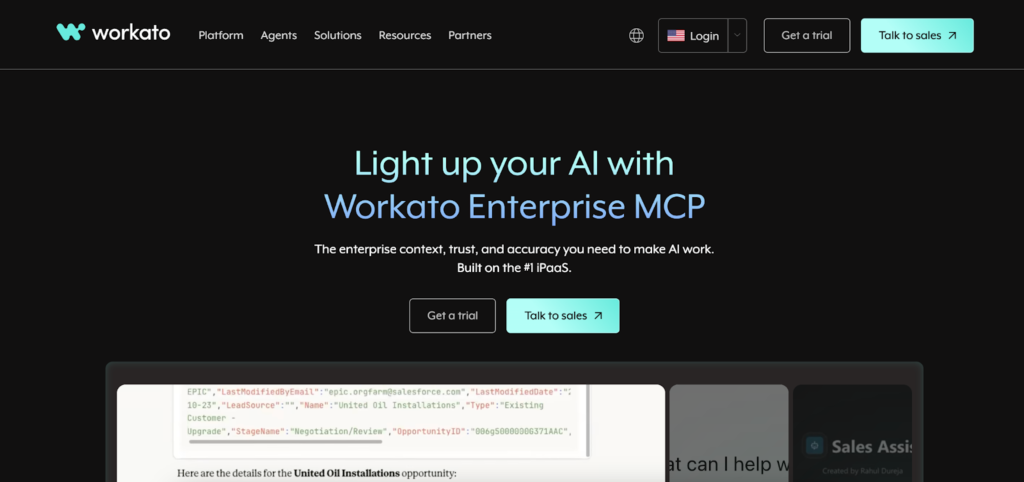
Sometimes the issue isn’t data. It’s how work moves.
Processes stretch across multiple systems, but there’s no clear connection between steps. Each action depends on someone triggering the next one.
Workato focuses on that layer.
It lets teams define how processes should flow from one system to another, so things move forward without constant input.
Teams use it for:
- Automating multi-step workflows across systems
- Connecting Salesforce with internal and external tools
- Reducing manual coordination between teams
- Handling event-based automation
- Managing integrations through a unified interface
When it’s set up properly, work stops feeling like it has to be pushed forward manually.
3. MuleSoft
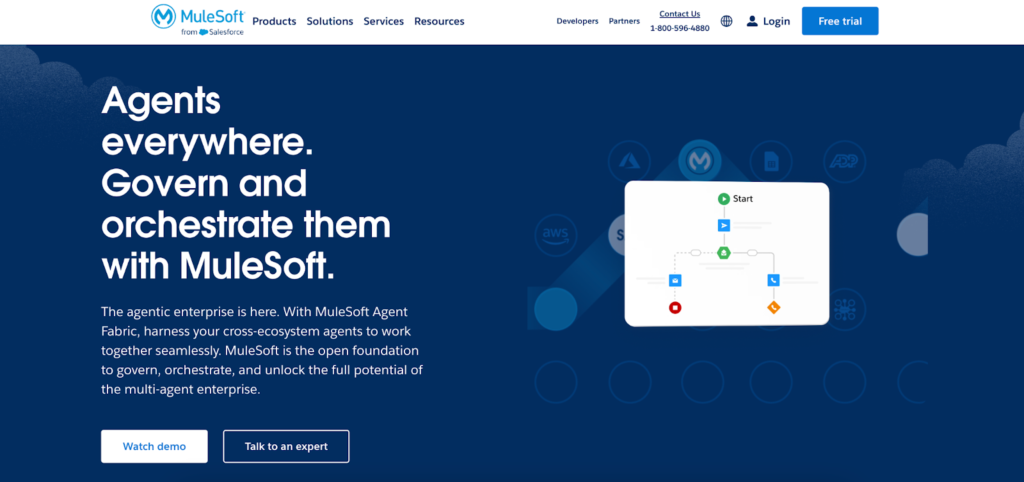
In some environments, the problem is scale.
There are too many systems, each with its own structure, its own logic, its own rules. Integrations exist, but they don’t follow a consistent pattern.
MuleSoft is used to bring structure into that.
It creates a way for systems to interact using the same logic, which reduces the randomness in how data moves.
Teams rely on it for:
- Building API-based integrations across systems
- Standardizing how data moves between platforms
- Supporting complex enterprise environments
- Managing integrations at scale
- Connecting legacy systems with modern tools
It’s less about quick fixes and more about making the whole setup predictable.
4. Zapier
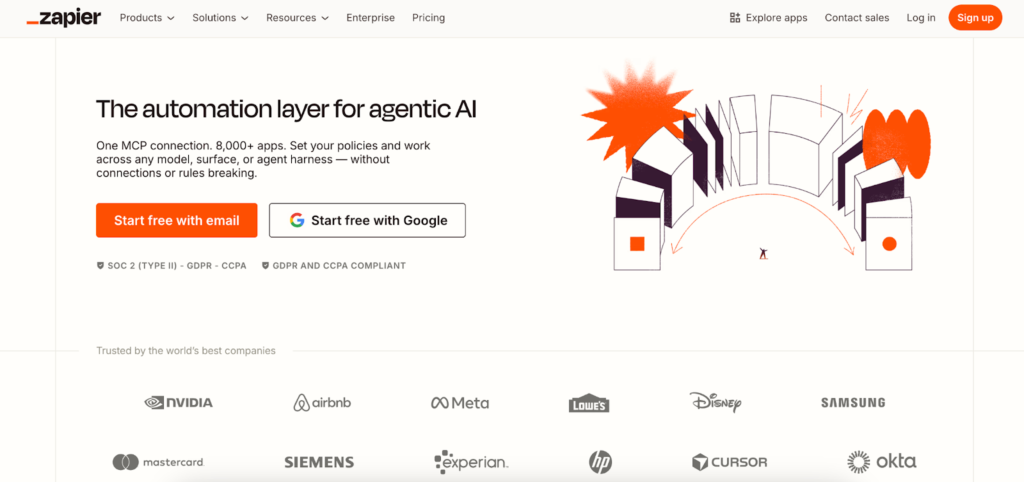
A lot of friction comes from small actions that repeat all day.
Updating records. Sending notifications. Creating tasks.
Each one is simple, but together they take up time and attention.
Zapier removes that layer by reacting to events and handling those actions automatically.
Teams use it for:
- Automating repetitive updates in Salesforce
- Connecting Salesforce with a wide range of apps
- Reducing manual data entry
- Triggering actions based on events
- Setting up simple integrations quickly
After a while, you start noticing how many things you no longer have to touch.
5. Boomi

There are cases where systems have grown too far apart to fix with small adjustments.
Everything is connected, but not in a way that feels manageable. Each integration works, but together they don’t form a clear structure.
Boomi helps organize that.
It gives teams a way to manage integrations as a whole instead of dealing with them one by one.
Teams use it for:
- Building integrations through a visual interface
- Managing connections across multiple systems
- Supporting both simple and complex use cases
- Scaling integrations as systems grow
- Maintaining flexibility without constant rebuilding
It becomes useful when the goal is not just to connect systems, but to make them work as one environment.
How to Recognize That Chaos Is Slowing You Down
The tricky part is that chaos doesn’t feel like failure.
Work still gets done. Nothing stops completely. But everything starts taking more effort than it used to.
You begin checking things more often. You hesitate before acting because you’re not sure the data is right. Progress depends on asking someone instead of trusting the system.
Over time, this becomes normal. But it shouldn’t be.
When work feels heavier without becoming more complex, that’s usually the signal.
What Changes When Systems Start Working Together
When systems finally connect the way they should, nothing dramatic happens.
Things just stop getting in the way.
Fewer interruptions. Fewer corrections. Less time spent figuring out what’s going on.
Work flows more evenly. Not because people are working harder, but because nothing is slowing them down.
Choosing the Right Solution Without Overcomplicating It
Most tools look similar on the surface.
They all promise automation, integration, and efficiency. But the difference shows up when you match them to the actual problem.
Sometimes the issue is repetition. Sometimes it’s missing connections. Sometimes it’s the overall structure.
Once you understand where things are breaking, the choice becomes simpler.
You don’t need the most powerful tool. You need the one that fits how your system actually behaves.
Chaos Does Not Fix Itself
Systems don’t organize themselves over time.
Manual processes don’t become efficient on their own. They stay in place until something replaces them.
If the system depends on workarounds today, it will depend on them tomorrow.
The only real change happens when those workarounds are no longer needed.
That’s when things start to feel lighter again. Not perfect, just easier to work with.